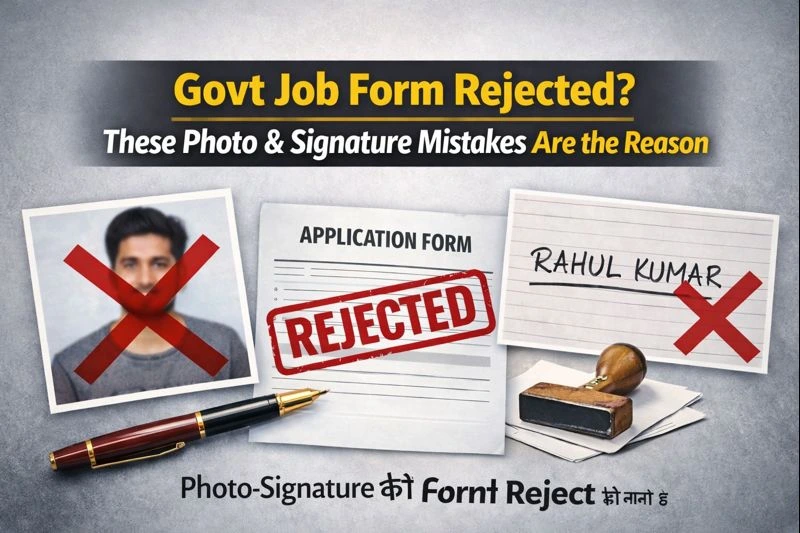
This article is for Indian government job aspirants—especially beginners and intermediate candidates—who have faced form rejection, “application pending,” or silent disqualification because of photo or signature issues.
I’ve seen this happen across SSC, Banking, Railways, State PSCs, and university recruitments. The painful part? Most of these mistakes are small, avoidable, and noticed too late—often after the correction window closes.
This guide focuses on real mistakes I’ve seen repeatedly, why they matter, and how to fix them before they cost you an exam attempt.
📌 Don’t Miss Out on the Upcoming Railway Job Alerts!
🔍 Stay ahead with daily updates on RRB, Apprentice, Group D & more!
👉 📢 Check Upcoming Railway Naukri 2025 →
Why Photo & Signature Errors Matter More Than You Think
In many govt recruitments:
-
Your photo is used for identity verification at every stage
-
Your signature is matched across documents
-
Initial screening is system-based, not manual
That means:
Even a minor technical mismatch can block your application without a clear error message.
The portal may still show “Submitted”, but the application can fail later during scrutiny.
The Most Common Photo Mistakes (From Real Cases)
1. Using a Casual or Cropped Photo
What candidates do
-
Crop from wedding photos
-
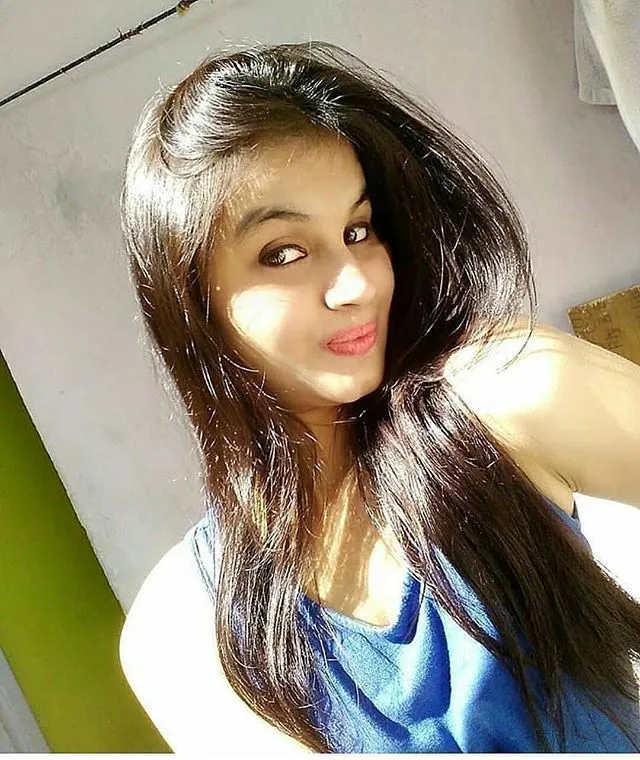
Use selfies
-
Use photos with background objects
Why it’s a problem
-
Facial proportions don’t match verification standards
-
Background distractions trigger auto-rejection in some systems
What to do instead
-
Use a simple studio-style photo
-
Neutral expression, straight face
-
Plain light background (white or light blue unless stated otherwise)
2. Wrong Background Color
Many candidates ignore this because portals often don’t block uploads.
Seen issues
-
Dark backgrounds
-
Colored walls
-
Gradient or edited backgrounds
Why it matters
Some exams (especially biometric-based ones) expect uniform contrast.
Safe approach
If no color is specified, stick to plain white or very light background.
3. Face Too Small or Too Close
This is extremely common.
Problems
-
Face occupies only 30–40% of frame
-
Or forehead/chin cut off due to over-zoom
Why it fails
Facial recognition and manual checks both rely on clear proportions.
Rule I follow
Face should occupy about 70–80% of the photo, fully visible.
The Most Common Signature Mistakes
4. Signature Touching the Border
What happens
-
Candidates sign near edges
-
Crop too tightly
Why it causes issues
Many systems expect clear margins for scanning.
Fix
Sign in the center with clear space on all sides.
5. Using CAPITAL LETTERS Instead of Signature
This mistake silently disqualifies many forms.
Why
-
CAPITAL names ≠ signature
-
Signature must reflect your usual signing style
If your normal signature is simple
That’s fine—but it must be handwritten and consistent.
6. Scanning a Faded or Old Signature
Seen cases
-
Pencil signatures
-
Light ink
-
Old scanned copies reused
Why it’s risky
Poor contrast fails print and scan verification.
Best practice
Fresh signature using dark blue or black pen.
🗓️ Know What’s Coming: Upcoming RRB Exams Calendar
📅 Get the full list of exams with dates, application deadlines & syllabus.
👉 📘 View Upcoming Railway Exams 2025 →
File Format & Size Issues Candidates Overlook
Even when photo/signature looks fine, technical rules matter.
-
File size slightly above limit
-
Wrong format (PNG uploaded when only JPG allowed)
-
Renamed extension without proper conversion
Portals may accept upload but fail validation later.
Copyable Safety Table: Photo & Signature Checklist
You can save this 👇
| Item | Safe Standard |
|---|---|
| Photo background | Plain white / light |
| Face coverage | 70–80% |
| Expression | Neutral |
| Accessories | No cap, no sunglasses |
| Signature ink | Black or dark blue |
| Signature position | Centered, not touching edges |
| File format | Exactly as mentioned (JPG/JPEG) |
| File size | Within limit, not “almost” |
A Simple Workflow I Personally Recommend
This routine has helped many candidates avoid issues:
-
Get photo & signature before filling form
-
Save original copies in one folder
-
Create resized versions as per notification
-
Upload → preview → recheck calmly
-
Download application PDF and inspect images
-
Save everything in cloud + phone
This takes 20 minutes but saves months of regret.
Real-Life Mistakes I’ve Seen (And the Cost)
-
Candidate rejected at DV because photo didn’t match admit card
-
Signature mismatch flagged during banking exam
-
Application marked “Provisionally Rejected” after months
-
No correction allowed despite fee paid
These are not rare cases.
Key Takeaway
Photo and signature errors are silent killers of govt job applications.
They:
-
Don’t always show errors immediately
-
Often surface too late
-
Are fully preventable with care
Treat these uploads as official identity documents, not formalities.
🎯 Railway Result, Admit Card & Answer Key – All in One Place!
📲 Don’t waste time searching – get instant updates on all results & hall tickets.
👉 🎫 Check Latest Railway Admit Card→
Frequently Asked Questions (FAQs)
1. Can a wrong photo lead to rejection even if form is submitted?
Yes. Many rejections happen during later scrutiny stages.
2. Is studio photo compulsory?
Not compulsory, but strongly safer if you’re unsure.
3. Can I reuse the same photo for all exams?
Only if it matches current rules and looks like you now.
4. What if instructions don’t mention background color?
Use plain white—it’s the safest option.
5. Can I upload a scanned signature from paper?
Yes, if it’s clear, dark, and correctly cropped.
6. Is digital signature allowed?
Only if explicitly mentioned. Usually handwritten only.
7. Will portal warn me if photo is wrong?
Often no. Many issues are caught later.
8. Can I change photo after submission?
Only during correction window, if provided.
Leave a Comment